I know it’s a fact
Seeing that the butterfly has 89 naturally printed on its wings is amazing!
I wish I’d seen this image before I decided to have my 93 as Butterfly 
By the way, this is what I use for 89. But I’m making a note of your 89 too 
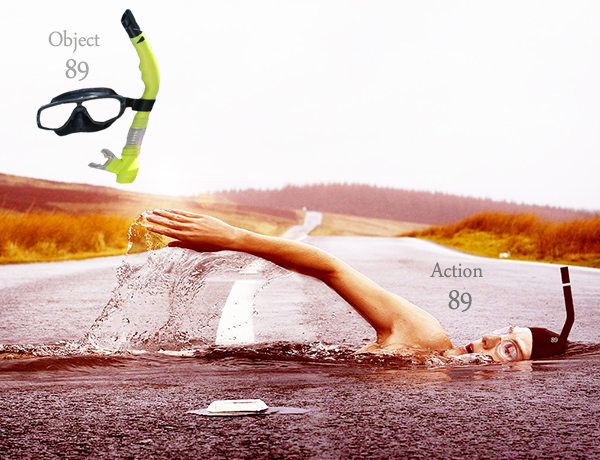
Well , if I have to use
I use Pubg player for 93.
You can easily understood it by saying parachute man.
And it’s action is landing .
1 Like
You are triggering some good thoughts and encouraging me to improve my system 
I can also see a Man (9) with a Parachute (3) Landing. 93. It’s very good! It is a nice object and has a nice action which can be used with the next object.
I probably will consider these two images, 89, and 93 as secondary images. I might even change them. I will try to see how they both work and see what results I’d get. I like your images!
1 Like
Has anyone made an Anki of Erol’s shaper system?
Erol, how many objects do you use per locus for ML cards or numbers?
I have build a software that loads the images, its names, actions etc. So anyone using this won’t need Anki. I will release it when available. However, Anki can also be used to get used to the images as all the images will be in a folder. I wish I had more time in my hand, but I’m constantly working on building the course, it’s taking more time than I thought it would be.
I use 4 digits at a time using Object-Action Object Linking on a locus.
If I used Persons, then it would be 6 digits at a time using a Person Action Object. With the way the shaper system is set up, persons can be used very easily which I think a lot of people will use. I don’t use them at the moment as mentioned in one of my posts.
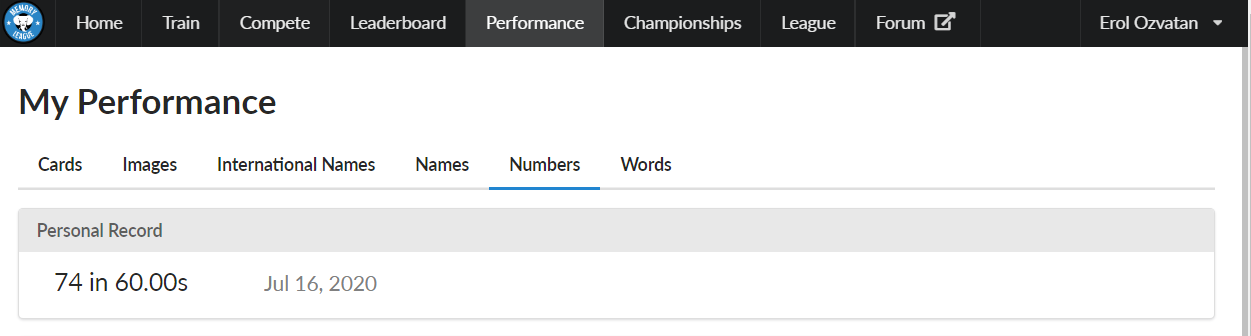
I’ll memorise between 60 - 70 digits in a minute using this. Lately I don’t practice a lot, just too busy with many things.
With cards, I use 2 cards at a time on a locus.
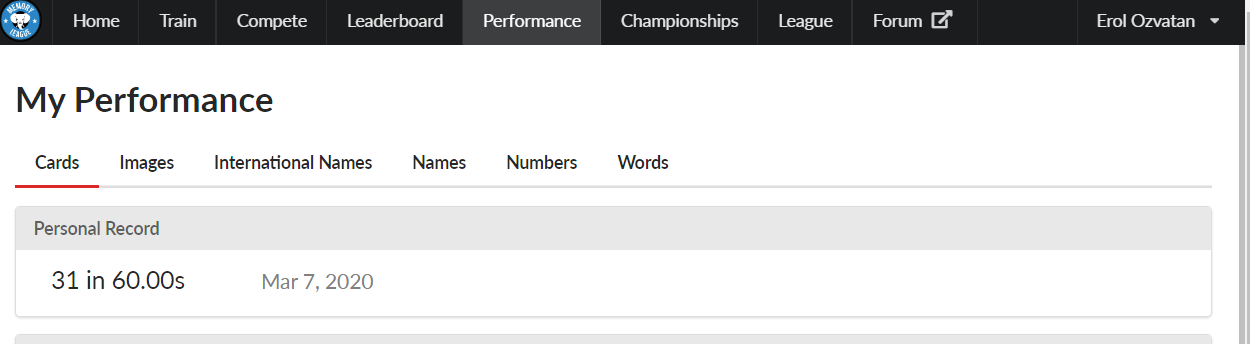
I have the simple method, and the advanced method both based on shaper images and actions. Again if persons used, it can be 3 cards, there are 52 cards, it would mean 52 objects, so it’s the same images and the same principle with cards also. It usually take me about 2 to 3 minutes with cards, I don’t practice cards but I still manage about half a deck in about a minute.
1 Like
Thanks, Erol. What do you do about face cards? Do you use the shaper system on them too? What’s your K , for example?
1 Like
Yes I do. All the cards including the face-cards are from the shaper images.
I have a different method for both the simple, and the advanced version, which are both simple really.
There are only 52 cards, so only 52 objects used from the 100 ready images with its actions.
K would be the “Cat” + “Scratching” the next Card’s image.
Cat is 62 in number shapes, but it’s also K with the way I set it up in my method so It’s very easy to recognise them, and we apply the usual method of pair-linking both cards, which are also ready to use. It’s just a simple method.
1 Like
Erol, how do you assign your cards?
For the numbered cards I read the number first and then the suit. Clubs are 3, diamonds are 4, spades are 5, and hearts are 7. So 4 of clubs would be 43. For face cards, I read the suit first then assign a number of 6 to Jacks, 8 to queens, and 9 to Kings. So, Jack of clubs would be 36.
I chose those numbers for the face cards because I thought they would be easy to remember, but I have to reverse the order of how I read them because it would cause overlap. I find this to be a little difficult because I have to mentally “switch” the order of how I read the cards between face and numbered.
So, I was curious how you do it. I’m not sure if I should choose different numbers to represent the face cards even if they are not as initially memorable, or just keep what I have and hope that with practice the switching becomes negligible and irrelevant.
BTW, I’m liking your system better than my PAO because I like the images that are being created better.
For example, drawing three cards from my deck right now: 7 of hearts (77) is an ice climber with ice axes, Jack of hearts (currently76) is saxophone, and 9 of spades (95) is squirrel. So, I see an ice climber climbing a giant saxophone and squirrels are coming out of the saxophone.
P.S. As you can see I am experimenting with 3 objects per loci.
1 Like
This system enables a person to be very creative, but not only that, it also prepares you to use different persons at a later time when you are ready with all the object-actions which then becomes almost a ready made PAO in a box.
And it’s a lot of fun!
Very creative! Basically what you are doing is “Chain-Linking” 3 items by way of its actions. And seems like you are doing that very well already!
Nice action with your person to the saxophone, and the saxophone also has an action, in my case it blows out Squirrels one after another, just like music notes coming out of it. But it’s more fun when it blows out squirrels instead
The beauty of this is that it makes no difference what the next image is; the saxophone will always be blowing out the next object.
Let’s also do it the other way round;
Person-Axe | Squirrel | Saxophone
Your person Climb-and-Axe The Squirrel,
The squirrel doesn’t care; He also has its own action;
He is too busy Chewing on the Saxophone.
You can’t go wrong with the order of the digits-images as they all have their own set of actions, which gives you the order of the paired-link as to which one was first and second.
How I assign the cards to images is by using the suits as digits, and matching it with the above digits or face cards. It makes no difference if it’s a face card because the values are very easy to recognise, and provides the corresponding image.
It would take me a good few hundreds of words to fully explain how it works. So I am keeping that to the tutorials with an excel -sheet provided which is almost self explanatory when learned how it works. But the way you setup your cards are not far off from the way I set it up
1 Like
A couple more changes I made to my personal shaper system in case it helps anyone: I changed the old man with walking stick to 79 and I made 97 a dolphin jumping through a hoop.
2 Likes
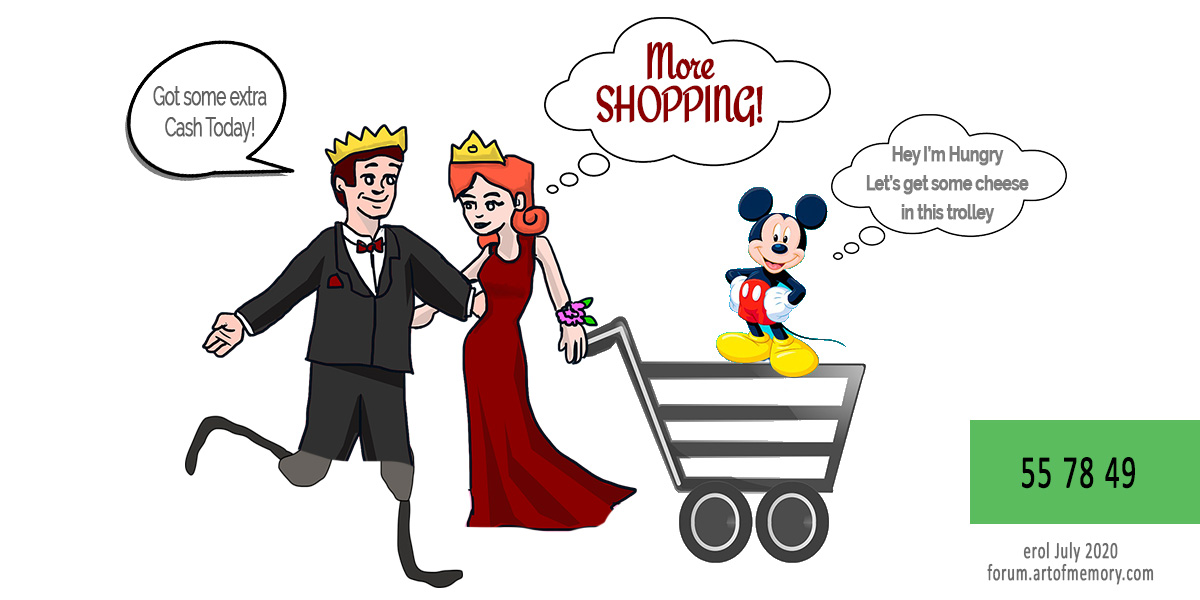
55 = double amputee runner. They have those blade legs.
A couple coincidental associations that came up for me:
49 is mouse, which is the King of Diamonds for me. Diamonds = wealth. Who’s a wealthy mouse? Mickey Mouse!
78 is shopping cart, which is coincidentally my Queen of Hearts. Who is the queen of my heart? My wife. What does she like to do? Shop!
4 Likes
That’s a great image!
Brilliant find! I think I’ll also be using that now
You are giving me a lot of good ideas
3 Likes
Ha! That’s awesome! Glad I could contribute!
1 Like

A Quick Update with the shaper system.
I’ve been working on a starter version of the number shape system which is now completed for everyone to download and use. This is good for all ages and upwards. Hope you guys find it useful, and let me know if you have any questions.
https://paolist.com/remembering-things-with-mnemonics-free-downloads/
Enjoy!
8 Likes
My son should be able to learn this pretty quick!
1 Like
Glad to hear it.
Let me know if you need any help with using it.
1 Like
For those who are having some issues running the app, I just realised you would need to have a Flash Player installed to run the program.
It can be downloaded from adobe website here;