Josh
August 1, 2025, 6:11pm
1
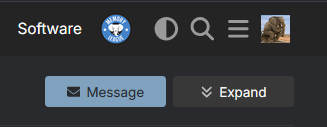
There’s a new theme in the forum. You can now switch between light mode and dark mode using the theme switcher in the top navbar. The icon is just to the left of the search icon.
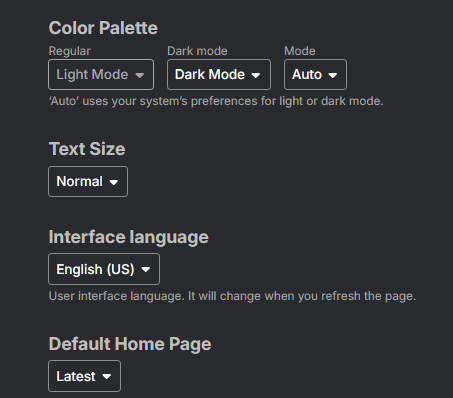
If that doesn’t work, go to your interface settings page and update your preferences there:
Edit: the “color palettes” are now called “Memo Light” and “Memo Dark”.
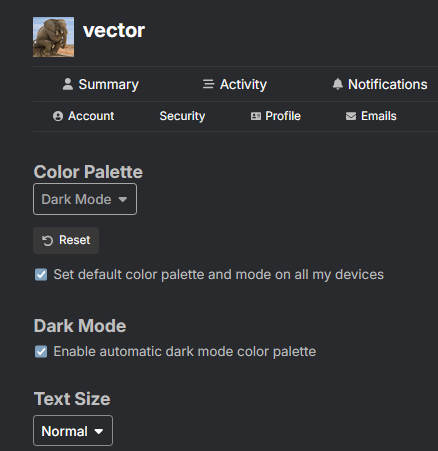
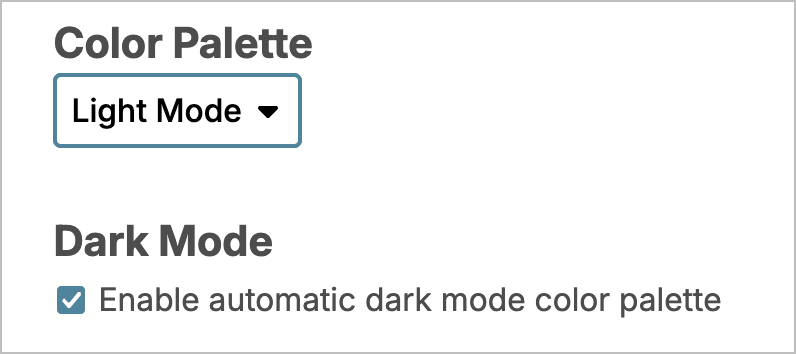
Update: for best results, your settings should look like this:
If anyone notices any bugs, let me know. Take a screenshot if possible.
5 Likes
Josh
August 1, 2025, 6:53pm
2
I’ve just updated it so you can also use the theme switcher in the bar on the top of the screen, just to the left of the search icon.
Josh
August 2, 2025, 12:08am
3
I’m still ironing out some bugs with this. If anyone can’t see the new theme switching icon in the top navbar, let me know.
It should look like this:
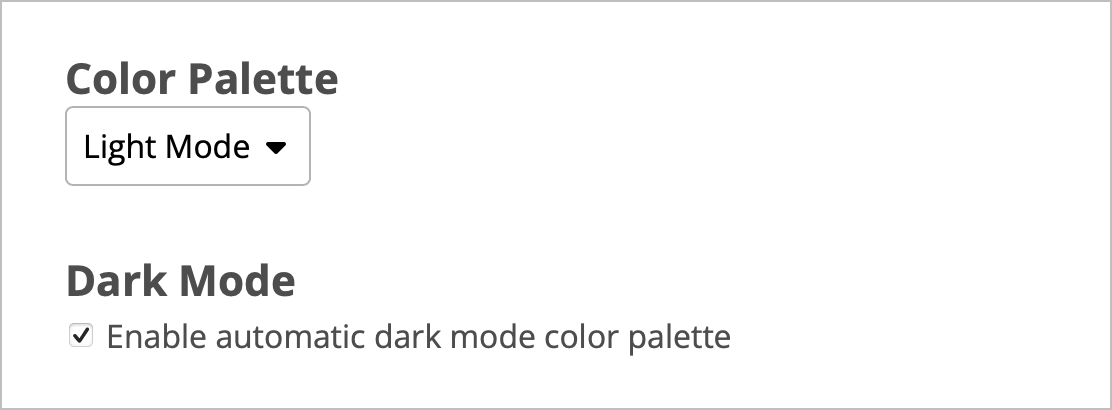
If you go to your settings page , the settings should looks like this:
If it isn’t looking like that for anyone, let me know and I’ll investigate.
2 Likes
vector
August 2, 2025, 12:27am
5
I don’t see it (to the left of the search icon) on desktop.
1 Like
Josh
August 2, 2025, 12:31am
6
Thanks for the report. Can you go to your settings page and see if it looks like this image?
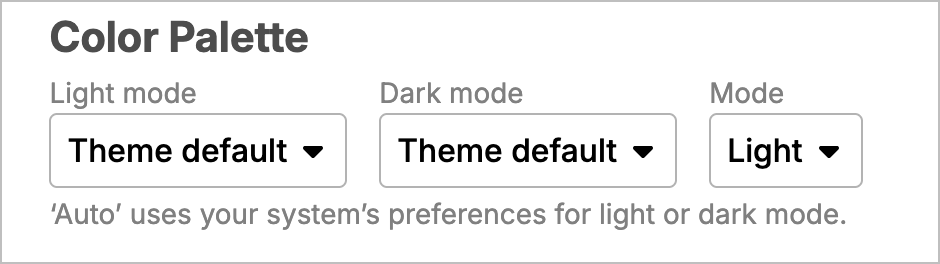
It should have two options in the Color Palette box: Light Mode and Dark Mode.
If you have three boxes there, change the “Regular” box to “Light Mode” and the “Dark mode” box to “Dark Mode”. Then scroll to the bottom and save the page.
(If that happens, there’s a bug.)
vector
August 2, 2025, 12:31am
7
Guess what
1 Like
Josh
August 2, 2025, 12:32am
8
Check your settings and let me know if you see what is in the image above. It might be a bug with how old user settings were saved.
vector
August 2, 2025, 12:32am
9
Yes, in the settings it looks like that.
Josh
August 2, 2025, 12:32am
10
Just one box with two choices: Light Mode and Dark Mode?
Josh
August 2, 2025, 12:34am
12
I’m going to try rebooting the server. I hope it works after that.
1 Like
Josh
August 2, 2025, 12:43am
13
The reboot is done. If you close the current tab and open up a new one, does the switcher appear?
If not, are you able to post a screenshot of your settings page?
1 Like
vector
August 2, 2025, 12:47am
14
Now it showed up
Josh
August 2, 2025, 12:49am
15
Thanks. That looks like a bug. There should only be one select box there, not three.
If you reload the setting page, it should be one now, but something else is broken.
vector
August 2, 2025, 12:51am
16
It’s OK now
1 Like
vector
August 2, 2025, 12:57am
17
One thing though. The new selector overrides the settings in the preferences page.
Josh
August 2, 2025, 12:57am
18
Can you take a screenshot of your current settings page?
Josh
August 2, 2025, 1:00am
20
Yes, thanks. It’s probably still broken for other people. I’ll have to investigate more.
1 Like
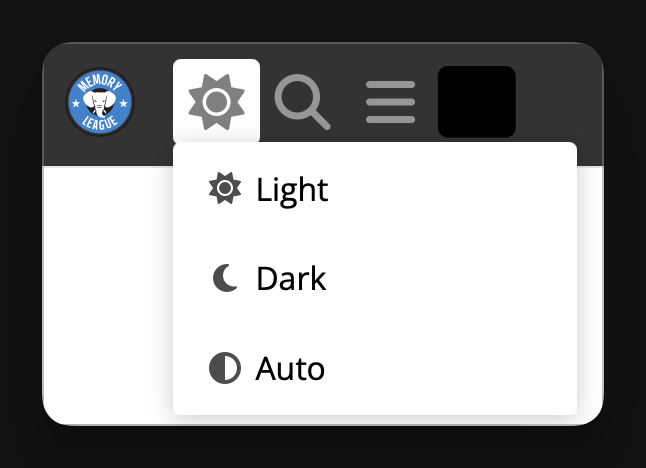

 I checked on mobile and there it was, while I wasn’t logged in.