[This was split from another topic.]
If you want, you can preview them if you click the forum’s emoji icon in the editor. The emoji selector will look something like this:
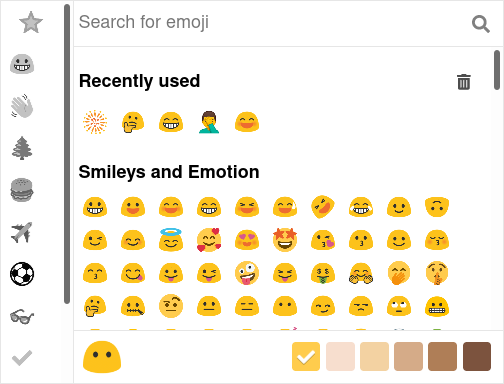
If you use an emoji keyboard or some other way to enter them, the emojis will be converted into the images from the forum’s emoji set when you save the post. (They will always turn into “blob” emojis.)
You can also type a colon (:) and the forum will suggest a drop-down list of emojis.