Hi there,
I’m currently trying to sort out the various ways with which I can level up my notetaking and would love to hear about your current workflows.
The app i currently use is Joplin - the notes are written in markdown and can be synced via syncthing between android and windows.
I’ve just recently run into the zettelkasten philosophy of notetaking that seems interesting, but I’m wondering if it’s even worth the effort. The basic idea is atomicity of notes - every idea or concept is a single note that is linked with other notes contextually.
Wondering how you guys handle notes of various kinds (quick notes, permanent wikis, journal entries, lists) and what workflows/apps you use on desktop and mobile. Thanks!
I use onenote with mini graphic pad at polytechnic. I like the fact that i can make a huge zoom to make tiny colorful side note/drawing (tons of drawings) if needed. It is easy to throw pdf document inside. And i can temporarly hide part of texst to make revision. I also use magnetic black board (for children or to put on fridge) to write down what i remembered and check if it is right without wasting paper and to cut some screen time.
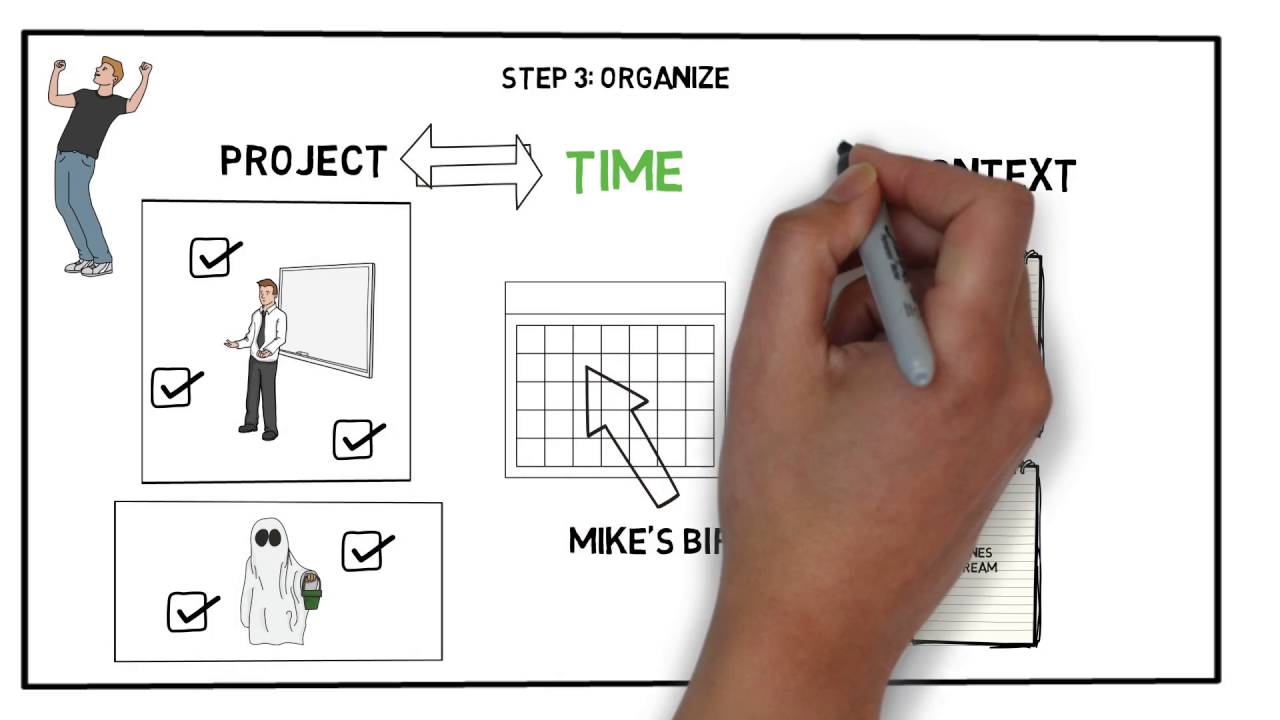
Workflows: GTD (Getting Things Done), & IPARA (Incubate, Project, Area of Responsibility, Resource, Archive) are 2 that I’ve used. There’s and article about “PARA” the “I” is somethingy brother introduced me to that’s not original to the PARA system.
GTD
PARA
I feel like I wrote this somewhere, but Tim Ferris’s has a great video on note taking in books. The video is linked here.
If you like taking notes on your phone and its Android, check out Google Keep. You can open Keep on your Windows computer also. Very cool, basic program. I use it for lists, notes, Church notes, ideas, etc.
When I was in Apple, I used their Notes program which was also on their phones. Its nice to have a notes program (digital) for the phone as well as computer, one that synchs.
And to recount what Josh taught… A notepad is a hard drive. You could carry a pack of sticky notes in your pocket and jot notes down on that.
For non math classes I don’t bother taking notes anymore. I just make an artificial memory palace of whatever topic the teacher is talking about and add images while the teacher goes over the topic and at the start of every class i quickly go over all of the artificial palaces I have for that class.
Doing this gets a bit difficult with teachers who like to jump around from topic to topic but overall this method is very effective because you end up going over your artificial memory palaces so many times that you end up getting a VERY good understanding of a topic.
Now if its a class where the teacher likes to give an overwhelming amount of information I like to keep a piece of paper that has a list of all of the artificial memory palaces I made for that class as well as the type of information that the palaces have in it but this usually isn’t necessary.
(I do have to abbreviate the names of my artificial palaces so no one asks why I have a bunch of random fantasy words written on a piece of paper.)