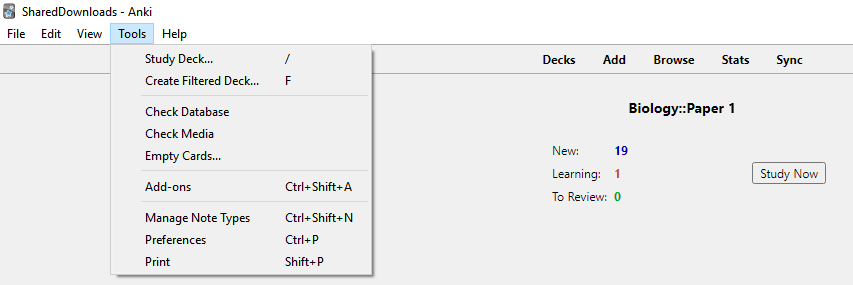
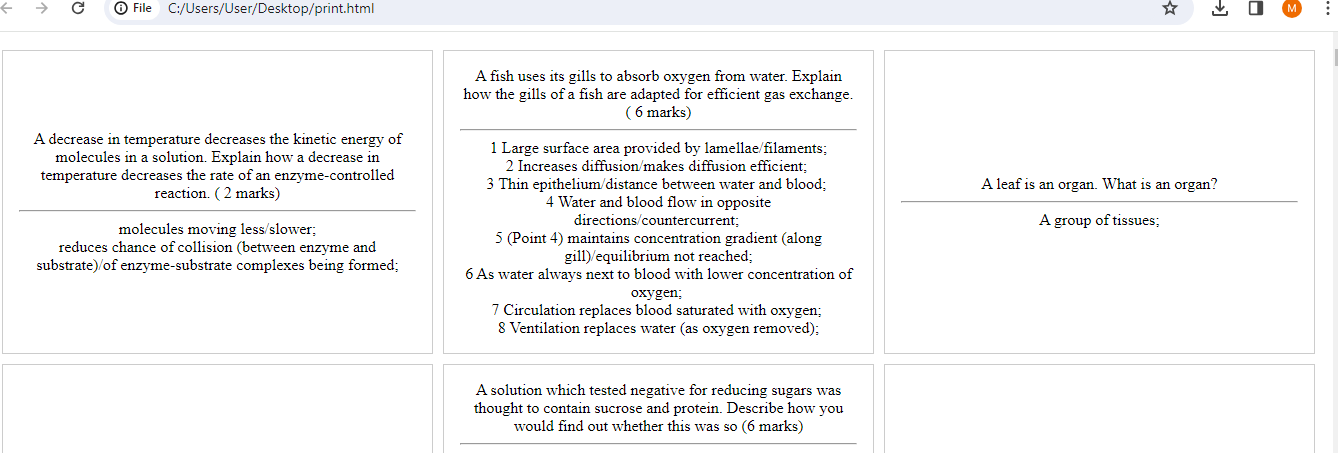
Hey guys. I discovered a cool trick that might be useful. It basically allows you to print all your Anki flash cards, in order, so you can organize them in a memory palace. After having memorized them, you can then review them.
So instead of opening Anki and just memorizing whatever card is presented, you can simply memorize them all in one go and then review the flash cards later.
This allows better organization of knowledge and topics into palaces. It also promises to be faster.
I have a feeling that this idea is extremely powerful. I think this might be the ultimate accelerated learning technique when used correctly.
Of course, this is just a strong gut feeling. I haven’t put this idea to the test yet.
Okay, now for the “how”:
You can easily review sequentially and view full cards in Anki. You can set up a custom review session for any number of cards in various sort orders including sequential or random any time in both Anki for computer and via the app on your phone. You can set that session to reschedule cards based on your answers or have them be “unscored” so they wont affect the SR algorithm.
Also, using tags on your notes you can filter these custom decks to study all kinds of parameters. I have 2704 Anki notes for my shadow system playing card project (one for every possible 2-card pair in a shuffled deck.) Each note is tagged with info so that I can do custom reviews either sequentially or by queries like “all spade/spade pairs” or “all pairs that start with Jacks” or all “number/number” pairs. You can even combine tag filters to review things like “all spade/spade number/number pairs that start with 4.”
It would be very impractical and costly to physically print 2704 cards. Many people have much more than this across their collections. If the purpose is to just read the info sequentially, you can to that directly in Anki, and with a little bit of planning for tags, the software does an incredible job of offering tons of options for review styles. Not to mention many people include audio content in their cards, which wouldn’t be accessible in printed or text exported form.
There is nothing really new here in terms of learning technique. Take time to organize your information. If sequential order is important, study it that way. Putting info in a palace journey is helpful. For info where sequence is non-critical, reviewing sequentially can still be helpful initially, but at some point you’ll likely need/want to be able to access the info directly and random access testing is the way to build that. It shows that you don’t have to rely on running through a sequence to arrive at your answer, you can just recall it straight away. Either way, using mnemonic visuals can be extremely useful for just about any kind of information.
The huge advantage with Anki and spaced repetition is that you wont waste time reviewing data that you already know. This is the whole point of rating the ease of the answer. Anki/SR focuses your study on the information that you’re weak at. This saves a ton of time and is extremely effective.
For small scale projects with maybe a dozen or so cards, this printing idea could be a serviceable option, but with any project larger than that, it simply wouldn’t be worth the time, effort, and cost when Anki can do a much better job of presenting information and smartly managing review time and content.
Hey, you shouldn’t be embarrassed! Its cool to see people being excited about this stuff! If you don’t toss ideas out there you’ll miss opportunities to learn and grow. And if they are truly new and helpful ideas then we all benefit!
It is the thing I changed in my use of anki: I don’t add cards to learn them. Only to review them. Which I think comes back to what you’re saying:
The memory palace and organising and the learning happen BEFORE making cards.
New cards shouldn’t be new information.
Otherwise I have waaaaay too many cards of everything under the sun that is potentially interesting and I’m drowning in reviews.
Between 100 and 200 cards reviewed a day is the maximum I can deal with easily without it becoming a chore.
I don’t want to print my cards, but sometimes I would like to just show them sequentially to somebody (mostly to illustrate a memory palace or to show how a method progressed, look how easy the first cards are and one month later this is what you know).
Could I do that? Right now I only can go into the “navigateur de cartes” (card browser?) and I have a list of the cards but you have to open them one by one as if you were going to edit them, and then click aperçu (preview?) which is not exactly a smooth process…
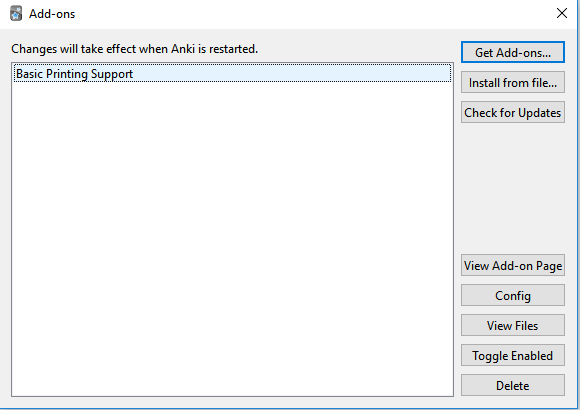
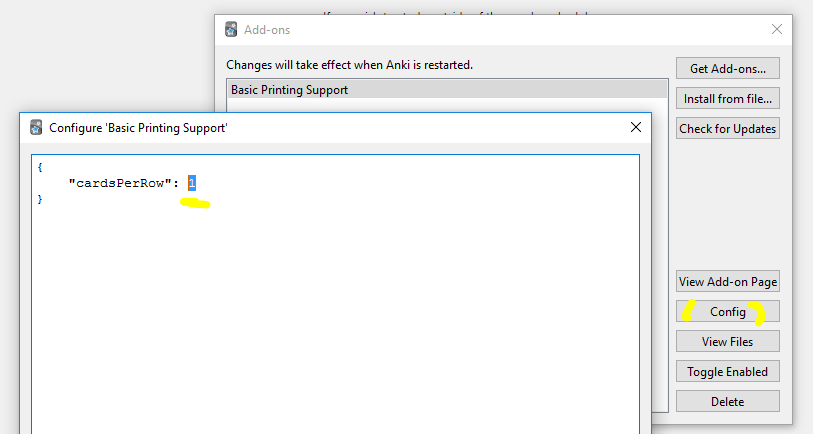
I tried the add-on, but the cards become a bit to large for my taste. I’d like them to be about the size of playing cards so that I can put them in plastic pockets. To be able to print and get the answers on the back of the paper would also be nice. Have you found a way to do that?
Thanks! I acually tried that before but didn’t restart Anki. 4 cards per row seem to be optimal. The trickiest part is that the backside of cards can “leak” over onto another paper. One must keep this in mind and check if all cards are alright before printing.
There also doesn’t seem to be a way to have letters/numbers of different sizes.
Edit: Nope! 4 cards per are to large for my plastic pockets.