The traditional linking method:
LM2 is as following:
1.Create only 15 overloading operators, make sure each one should be a concrete movement
2.Repete the practising the 15 operators or change to a more suitable one until you can master them
Yup, I know it seems that I told you nothing but the key are just those two points.
So, I am going to give you just an example.
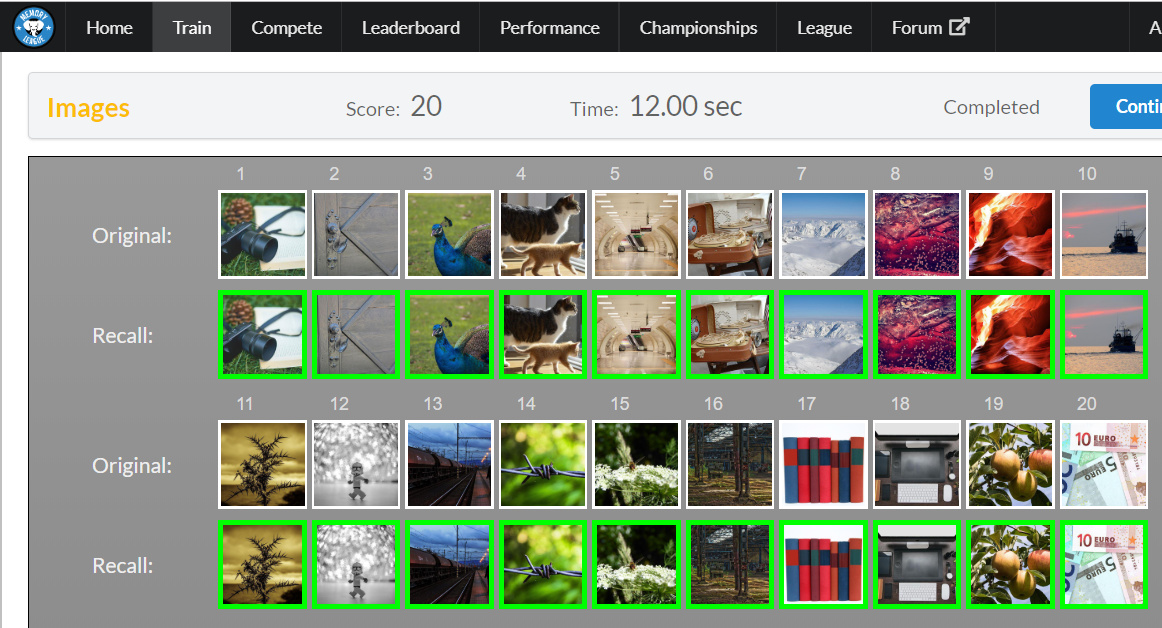
My first operator is adding a straight object in PIC 1 into PIC 2.
So just image the book is the only straight object PIC 1 and I put into PIC 2 the door holder.
It will look like the long straight book is holding on the door holder.
PIC 3, PIC 4
Next, my operator is stumble so my first impression is that the chicken? I don’t know how to name that animal, sorry. The chicken stumble onto the cat.
PIC 5, PIC 6
My last example is explosion, so image that object in PIC 5 is a bomb and it explodes in place B = PIC 6.